
8 Essential Tips to Keep Your Data Safe When Traveling Abroad
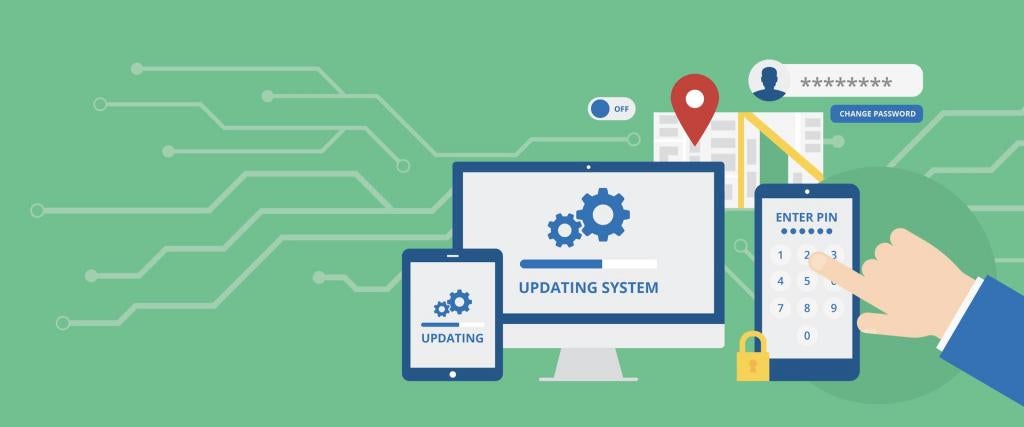
For modern business and leisure travelers, relying on Wi-Fi for work or communication is inevitable. However, logging into free, open networks while abroad poses a significant risk: you could be inadvertently exposing passwords, sensitive corporate documents, and personal information to global hackers. Protecting your digital identity on the road requires vigilance and preparation.
Data security expert Roger Grimes emphasizes the need for caution. "Whether you're travelling internationally or domestic, you should always choose the most secure network option available," he advises. Grimes, a principal security architect at Microsoft, recommends extreme skepticism regarding public connections:
“Be wary of all free WiFi and Bluetooth connections. Make sure you're connecting only to official WiFi offerings and not fake hacker WiFi access points. Better yet, if you can't be sure you're using the right open WiFi network, use your phone's tethering feature.”
Grimes also suggests an excellent pre-travel measure to minimize damage if devices are lost or stolen:
“These days, all my data is stored in the cloud. Before travelling, I delete the local copy after disabling the sync feature, so that there is no data on my laptop in the first place.”
This guide outlines eight crucial cybersecurity tips, inspired by experts like Norton by Symantec, to help business travelers secure their confidential information while away from home.
By remaining vigilant and implementing these practices, you can greatly reduce your risk of suffering a cyber threat. It is also highly recommended to check the specific cyber security laws and regulations governing each country you visit.
1. IMPLEMENT DEVICE LOCKS
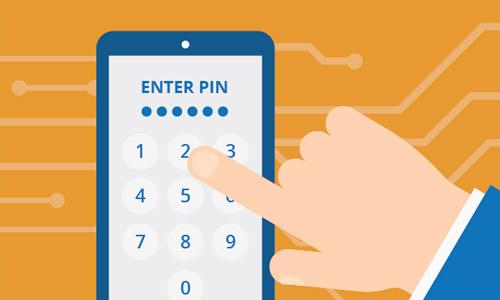
Most modern devices—smartphones, tablets, and laptops—include security settings that allow locking via PIN, password, or biometric ID. A Norton by Symantec spokesperson advises: “Do this on every available device. While travelling, consider changing your regular PINs and passwords.” This simple step is your first and most essential line of defense against unauthorized access should your device be misplaced or stolen.
2. AVOID UNSECURED PUBLIC WIFI
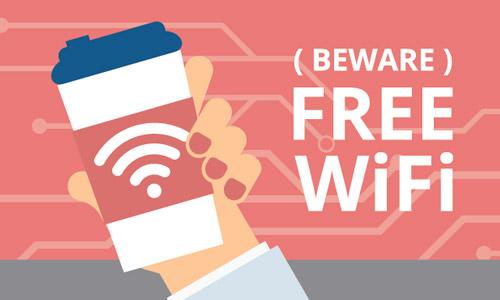
While appealing, free public Wi-Fi (in cafes, airports, etc.) is highly vulnerable. “Avoid unencrypted WiFi networks,” they suggest. Always inquire about the security protocol, especially at hotels, before connecting. If you must use a public hotspot, “avoid accessing personal accounts or sensitive data while connected to that network.”
3. TURN OFF AUTO-CONNECT FEATURES

Automatic network connection is convenient at home but poses risks abroad. “Most phones have a setting that allows a device to automatically connect to WiFi networks as you pass through them,” the spokesperson explains. Before you travel, manually disable this setting on both your smartphone and laptop. This ensures you actively choose and verify every network connection.
4. LIMIT LOCATION SHARING ON SOCIAL MEDIA
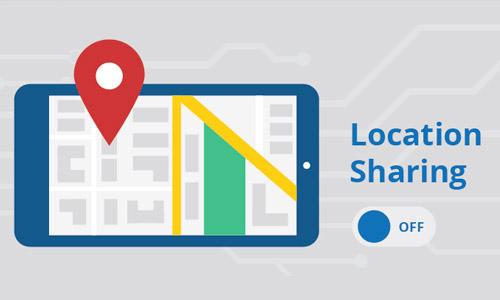
Posting real-time updates of your location on social networking sites is popular, but it presents a security threat to your physical property. By signaling your whereabouts, "you make it easy for a criminal to determine that you’re not in your hotel room or at your home,” making your belongings vulnerable to physical intrusion. Limit the information you post online about your specific whereabouts to safeguard your personal property.
5. USE AND UPDATE ANTI-VIRUS PROTECTION
Installing trusted, paid Anti-Virus protection is one of the "easiest and most effective ways to keep both your personal and company information secure.” It is vital not only to install the software but to regularly update it. New virus and malware versions are constantly released, meaning outdated protection is virtually no protection at all.
6. KEEP OPERATING SYSTEMS PATCHED

Security updates for your operating system and applications are crucial as they often contain patches for newly discovered security flaws. “Just like your anti-virus software, you should keep your operating system as current as possible,” says a Norton spokesperson. Pay special attention to updating any apps that you regularly use for financial or sensitive business transactions.
7. CHANGE PASSWORDS BEFORE DEPARTURE
As a precaution, change all of the passwords you regularly use before you travel. If you must set a PIN for a hotel safe or security box, ensure it is unique and not easily guessable (avoid numerical sequences). This creates a fresh layer of security for the duration of your trip. You can change these passwords back once you return home.
8. DISABLE BLUETOOTH CONNECTIVITY

Bluetooth signals, like automatic Wi-Fi, can be exploited by nearby hackers. "Bluetooth signals can come from anywhere,” they warn. If your connection is left on, nearby assailants may be able to connect to your phone and potentially hack your device. For maximum security, **keep Bluetooth disabled as much as possible while abroad**, activating it only when necessary (e.g., connecting to headphones).
Frequently Asked Questions (FAQ) About Data Security While Traveling
A: Yes, absolutely. A VPN encrypts your entire internet connection, making it significantly harder for hackers to intercept your data, especially when you are forced to use public or unsecured Wi-Fi networks in airports, cafes, or hotels. It is considered one of the most effective security measures for travelers.
A: Even hotel Wi-Fi can be risky. While major hotels often have better security, the network is shared by many guests, including potential malicious actors. You should always avoid accessing banking or highly sensitive corporate accounts on any shared Wi-Fi. Always ensure the website address starts with "https" and consider using a VPN for any transactions.
A: The most critical step is **minimizing the data present on your device** in the first place, as recommended by security expert Roger Grimes. By storing sensitive files only in the cloud and disabling local sync before your trip, you significantly reduce the harm caused if your device is lost or stolen. The second most critical step is always using strong, unique passwords and device locks.
Post a Comment for "8 Essential Tips to Keep Your Data Safe When Traveling Abroad"